Challenge
Name: Binary Digits
Category: Forensics
Difficulty: Easy
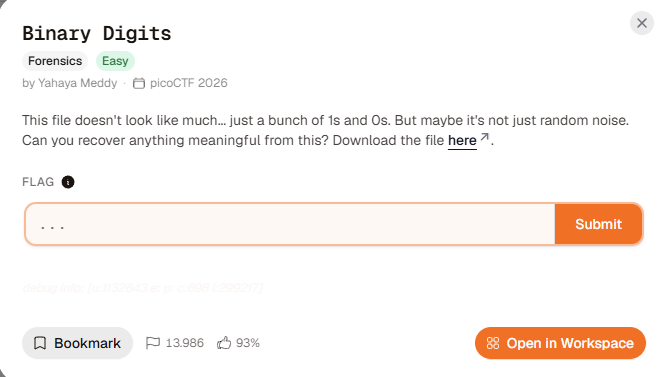
This file doesn’t look like much… just a bunch of 1s and 0s. But maybe it’s not just random noise. Can you recover anything meaningful from this?
Challenge file: digits.bin
Initial Analysis
After downloading the challenge file, the content appears to be a long sequence of 1s and 0s. It does not look like ordinary text, but the pattern strongly suggests that the digits may be binary data represented as text.
Rather than manually process the file, I used CyberChef to decode the binary stream and inspect the resulting bytes.
Investigation
1. Download the challenge file
I downloaded digits.bin from the challenge file link.

2. Decode the binary data with CyberChef
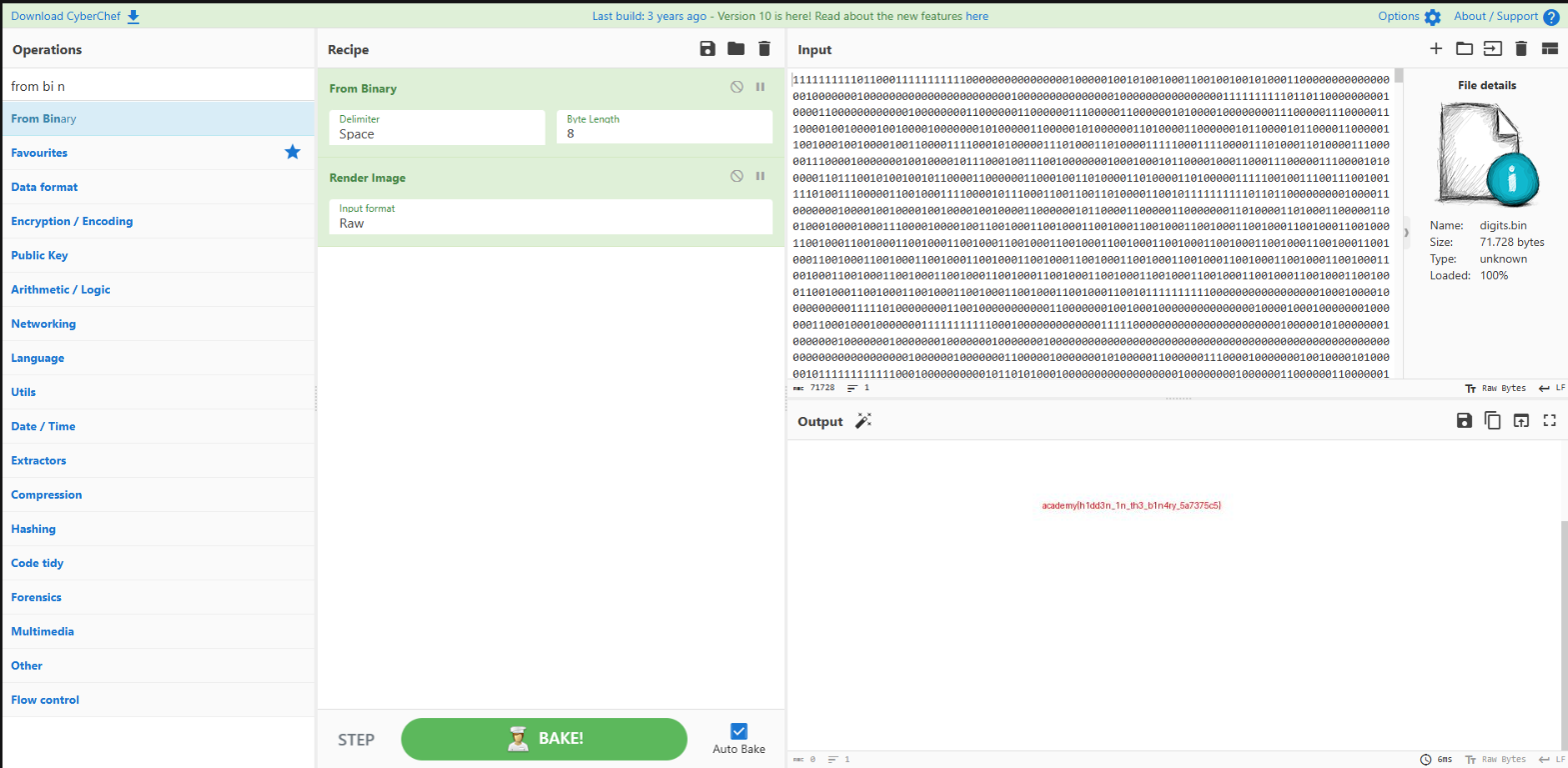
I opened CyberChef and configured the recipe as follows:
- Drag
digits.bininto the Input panel. - Search for the From Binary operation.
- Drag From Binary into the Recipe panel.
- Set Byte length to
8. - Add Render Image after From Binary.
- Leave Input format set to
Raw.
The From Binary operation converts every group of eight binary digits into one byte. The Render Image operation then displays those bytes as an image.
Solution
The key is recognizing that the file contains binary digits and processing them in 8-bit groups. After the conversion, the output is valid image data. Rendering it reveals the flag embedded in the image.
The final CyberChef recipe is:
From Binary (Byte length: 8)
Render Image (Input format: Raw)
Flag
academy{h1dd3n_1n_th3_b1n4ry_5a7375c5}
Lessons Learned
- A stream of
1s and0s may be encoded binary data rather than random text. - Grouping binary data into bytes requires the correct byte length.
- Rendering decoded bytes as an image can reveal information that is not visible as plain text.
- CyberChef is useful for quickly testing common decoding and visualization workflows.